Build an iPhone Sensing App Part 2: Crashes and Blurry Images
The app had two problems in the field. It crashed often enough that checking for a crash became part of the routine, and its images were softer than what the same phone took in the native camera app. Both problems had several causes, and both led me to move the capture path from ARKit to AVFoundation.
Crashes
Saving a thermal image while the stream is updating
The first hard crash was in July 2023. The app froze and Xcode reported EXC_BAD_ACCESS inside the save function, on the line that writes the FLIR frame to disk:
let path = self.fm.getPathForImageExt(subdir: "flir_jpg", name: self.genFileName(), ext: "jpg").path
if self.flir_img != nil && self.thermalStreamer != nil && self.isThermalUpdated == true {
    do {
        try self.flir_img!.save(as: path!)   // crash here
        self.isThermalUpdated = false
    } catch {
        print("Save failed \(error)")
    }
}
The streamer keeps replacing the frame buffer on its own queue. Saving reads the same buffer. When the two overlap, the object the save call is holding is deallocated underneath it.
The first fix was a flag. While a save is in progress, skip the preview update:
func onImageReceived() {
    renderQueue.async(flags: .barrier) {
        if self.now_saving_flir == false {
            do { try self.thermalStreamer?.update() } catch { NSLog("update error \(error)") }
        }
        DispatchQueue.main.async {
            if self.now_saving_flir != true {
                self.thermalImageView.image = self.thermalStreamer?.getImage()
                if let image = self.thermalStreamer?.withThermalImage() {
                    self.flir_img = image
                }
            }
        }
    }
}
That reduced the frequency but did not remove it. The remaining case was disconnection. If the FLIR ONE dropped and reconnected between the moment the app decided to save and the moment it wrote the file, the thermal streamer object was already nil:
func onDisconnected(_ camera: FLIRCamera, withError error: Error?) {
    NSLog("\(#function) \(String(describing: error))")
    DispatchQueue.main.async {
        self.thermalStreamer = nil
        self.stream = nil
        self.isThermalUpdated = false
    }
}
The fix was to reset isThermalUpdated on disconnect. Before that, the flag stayed true after the camera vanished, so the next save passed the guard and unwrapped a dead reference.
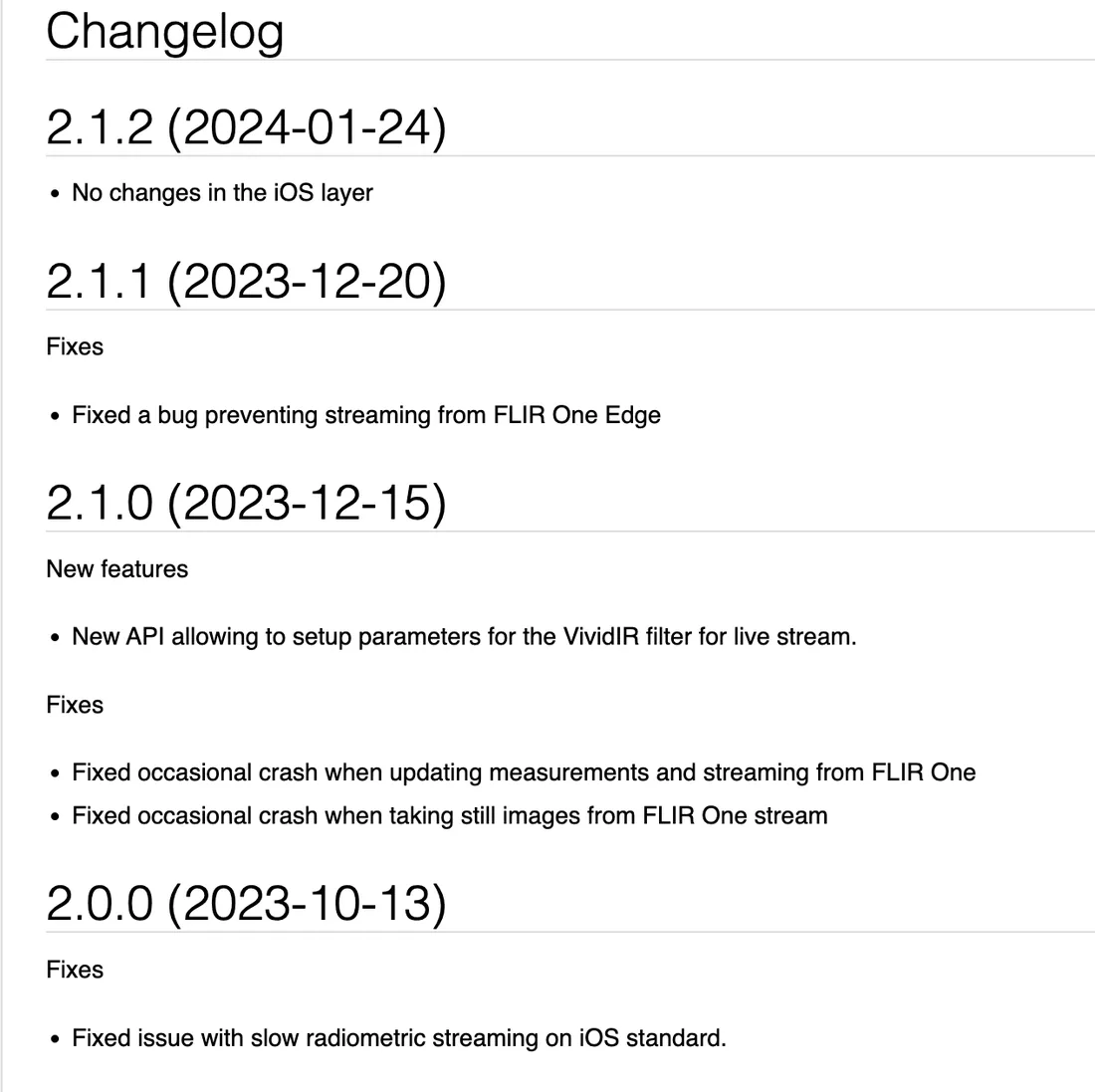
I only found this changelog entry later.
Weather station parsing
The second crash looked like a data problem at first. The app read temperature and humidity over Bluetooth from a small weather station. The payload was a fixed string:
H:45.0 T:23.0 C:22.5
parsed with a regular expression, then force-unwrapped:
let hum = self.matchesForRegexInText(text: val)[0]
self.humidityValue = Double(hum)!
When the station lost its link with the sensor, it sent OK+LOST instead. The regex found no match, the array was empty, and the subscript crashed with an index-out-of-range. Then even a well-formed response started failing, because the sender had changed the payload length and my pattern still assumed the old layout.
I changed the parser to return a default value when the string does not match, and removed the force-unwrap.
func matchesForRegexInText(text: String) -> [String] {
    do {
        let pattern = "H:(\\d{1,2}\\.\\d{1,2}) T:(\\d{1,2}\\.\\d{1,2}) C:(\\d{1,2}\\.\\d{1,2})"
        let regex = try NSRegularExpression(pattern: pattern, options: [])
        if let match = regex.firstMatch(in: text, options: [], range: NSRange(location: 0, length: text.count)) {
            return [
                (text as NSString).substring(with: match.range(at: 1)),
                (text as NSString).substring(with: match.range(at: 2)),
                (text as NSString).substring(with: match.range(at: 3)),
            ]
        }
    } catch {
        print(error)
    }
    return ["0", "0", "0"]
}
A 0 in the CSV is easy to spot and remove later. A crash loses the data entirely.
A similar crash in 2024
By 2024 the app was on TestFlight, and the crash reports started arriving from other people’s phones. Xcode Organizer showed one device, one crash, repeated:
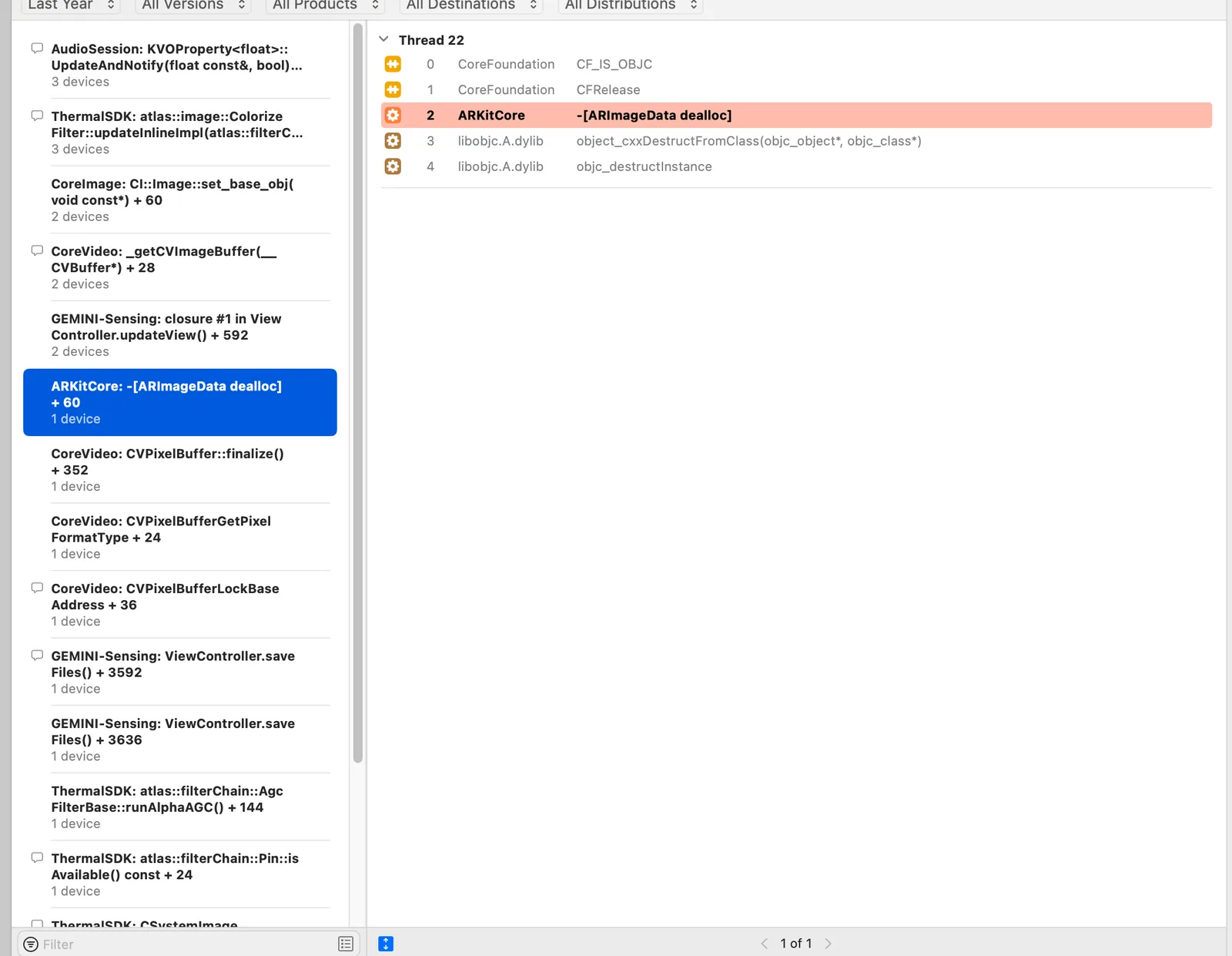
-[ARImageData dealloc], reached from ViewController.saveFiles().The stack has the same shape as the 2023 bug. ARKit hands the app a new RGB and depth frame many times per second. saveFiles() reads those frames, writes the TIFFs, then writes the JPEG and the JSON. If a new frame arrives and ARKit releases the previous one while the writer is still holding it, the app takes a use-after-free.
The note I wrote that day was short: the AR data was not updated, but saving or rendering it still threw an error. The app treated an old frame as new.
The fix is to copy the buffers under a lock and save from the copy. A still-photo pipeline already does this, so I moved to AVFoundation.
Soft images
The 2023 field images were less sharp than the same phone’s native camera. There were three causes.
Autofocus was off
I had disabled autofocus, assuming a fixed focus at infinity would be fine for a canopy a metre away. With autofocus disabled the lens sat at its resting position, and everything closer than a few metres was soft.
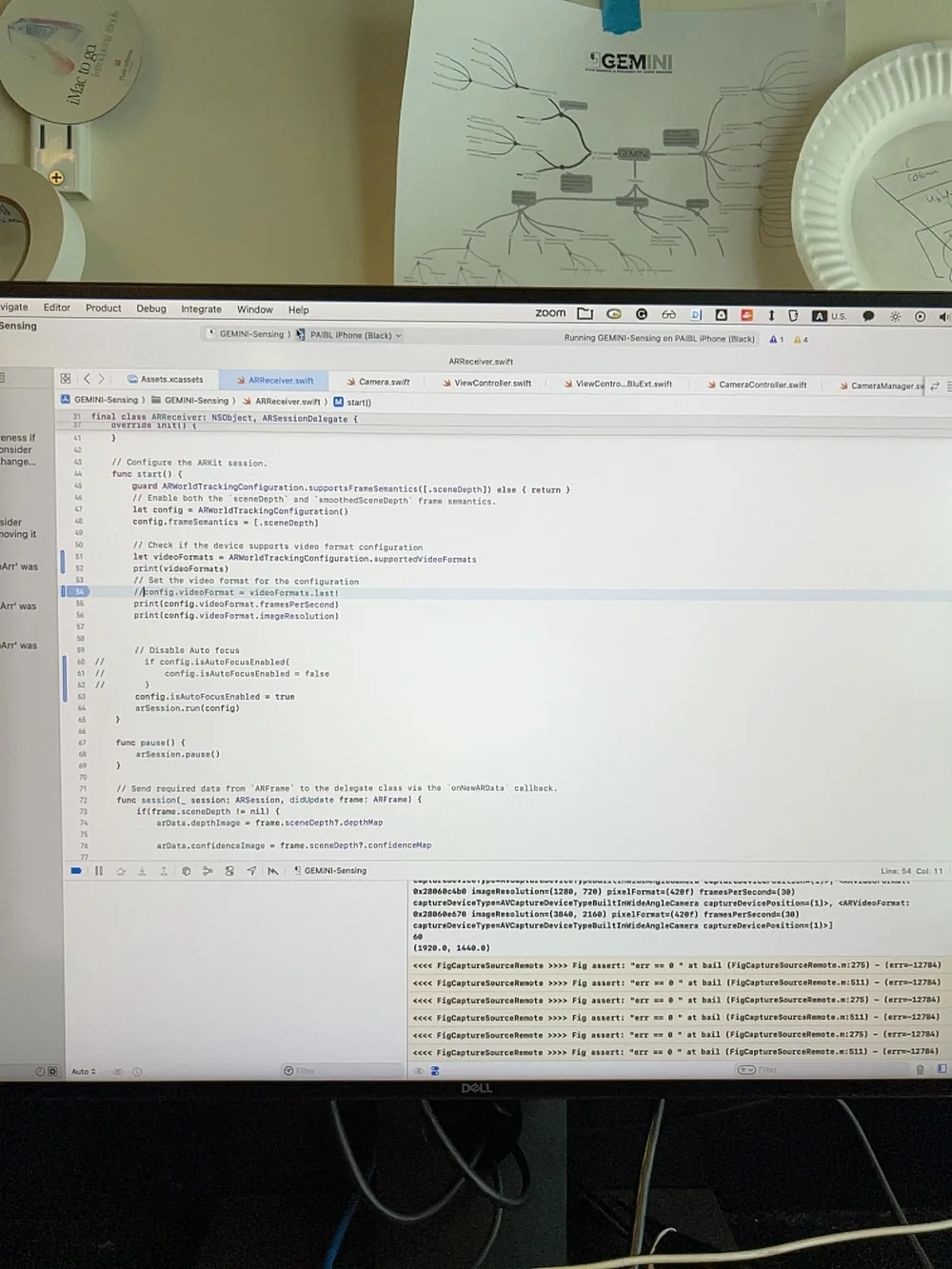
// Before: fixed focus, everything soft at working distance
config.isAutoFocusEnabled = false

// After: let the lens focus on the canopy
config.isAutoFocusEnabled = true
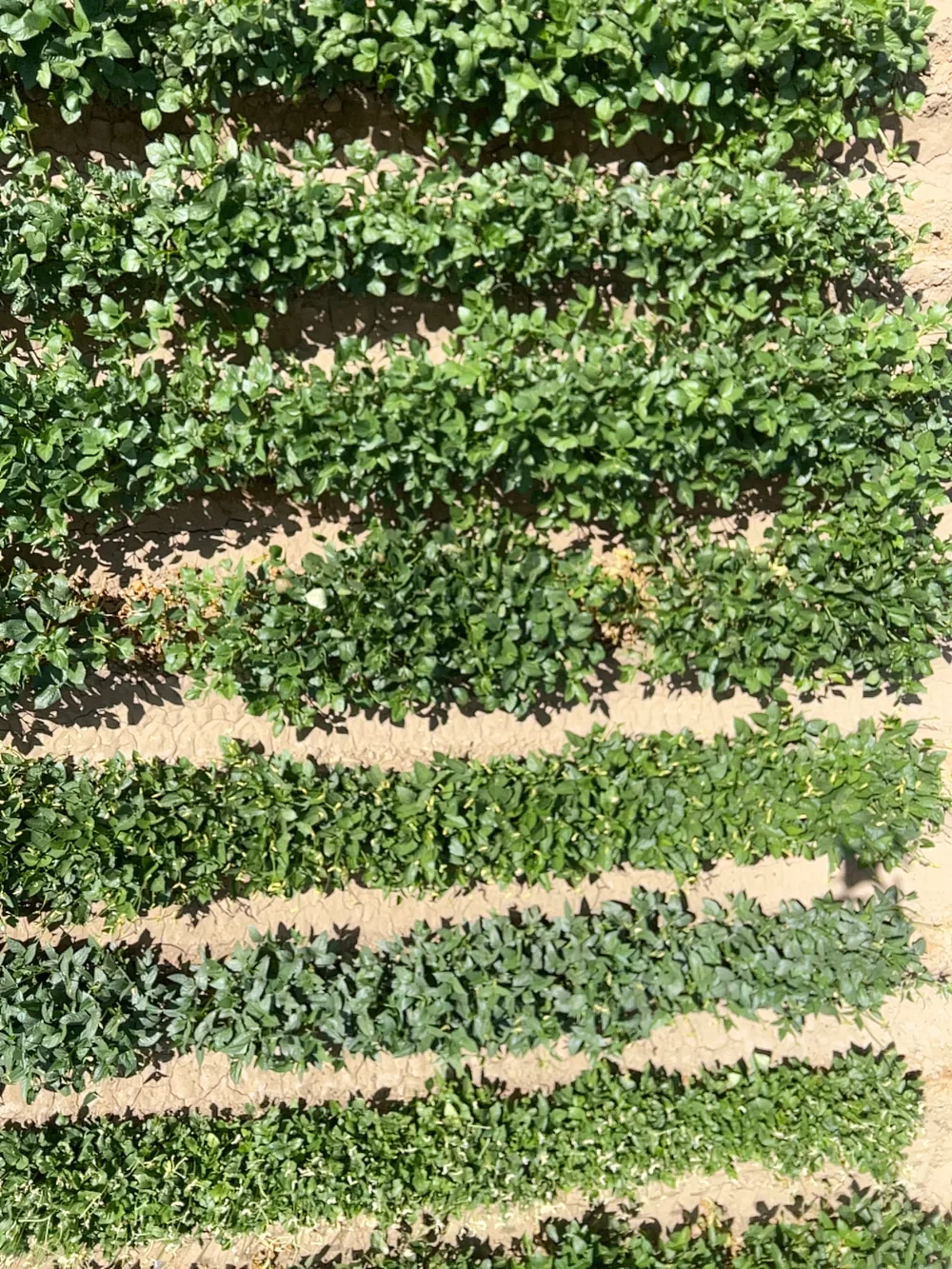
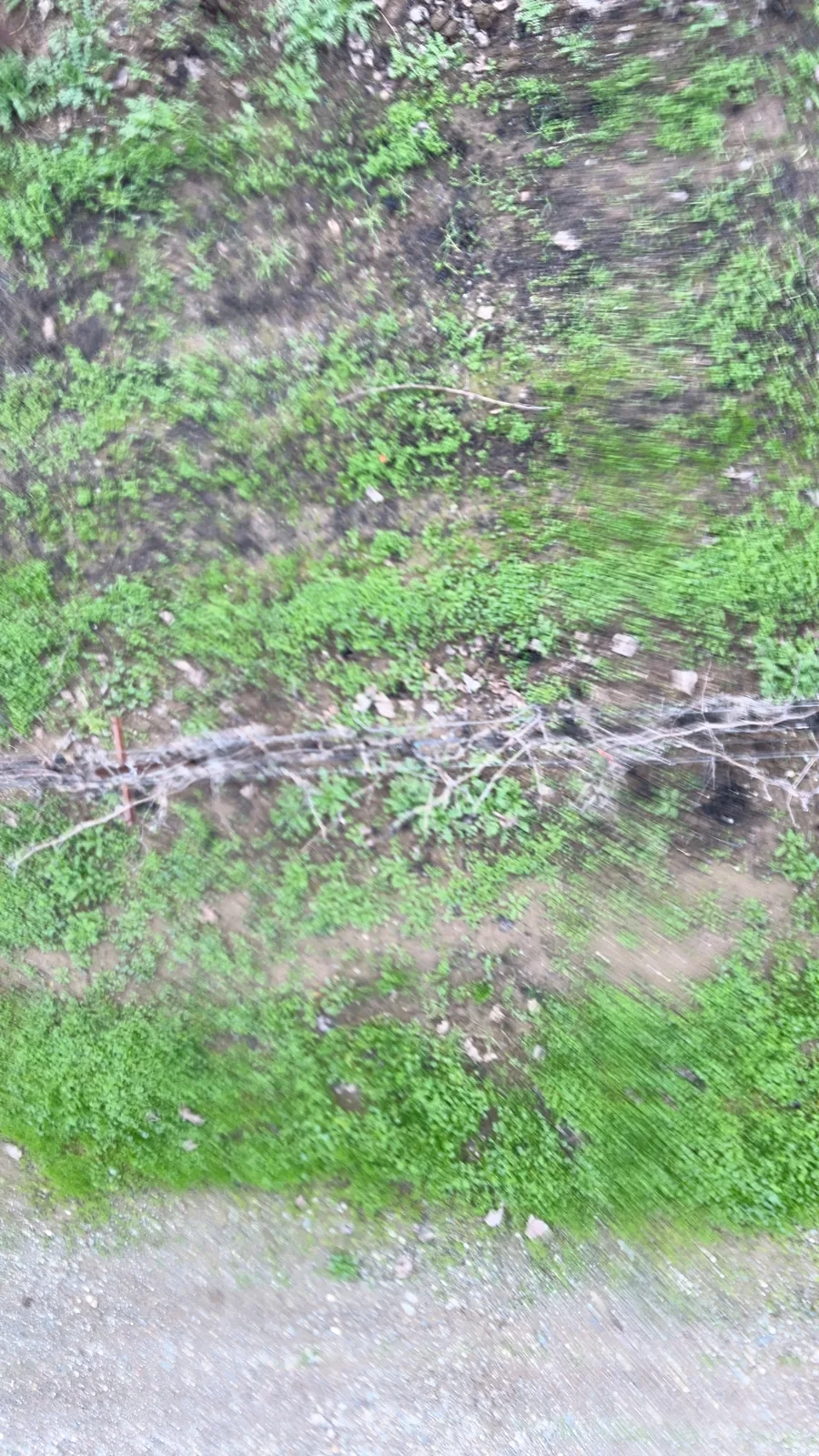
Field captures from the 2023 season, taken before this change, looked like the image below. The blur looks like motion blur, so at first I looked for the wrong cause.
The resolution was capped by ARKit
ARKit’s video formats on that phone topped out at 1920×1440 for the mode I was using. A 3840×2160 format existed, but only at 30 fps, and it narrowed the field of view.
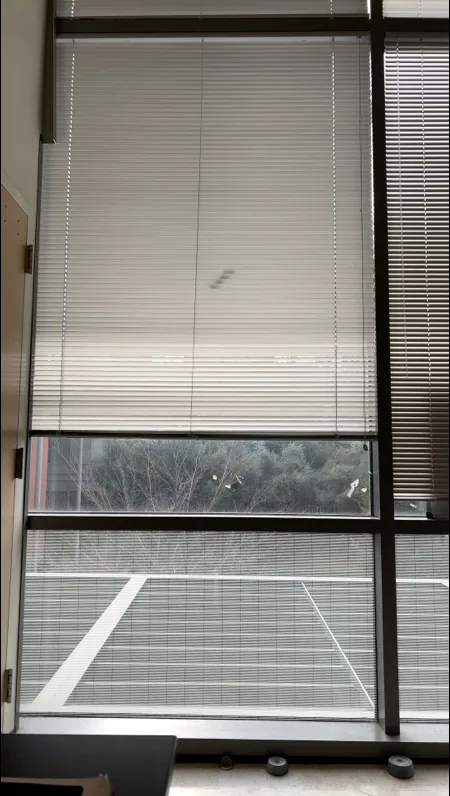
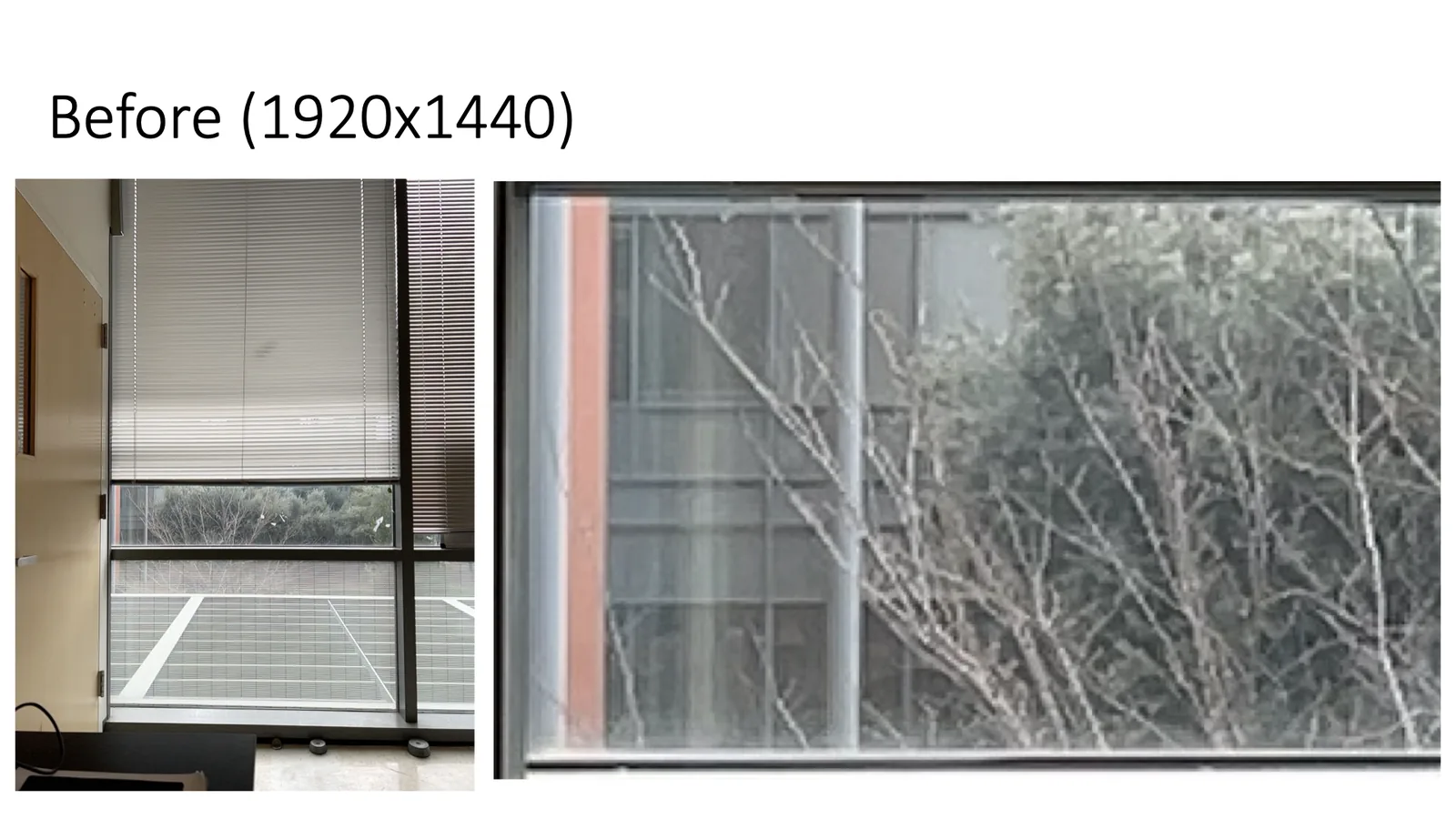
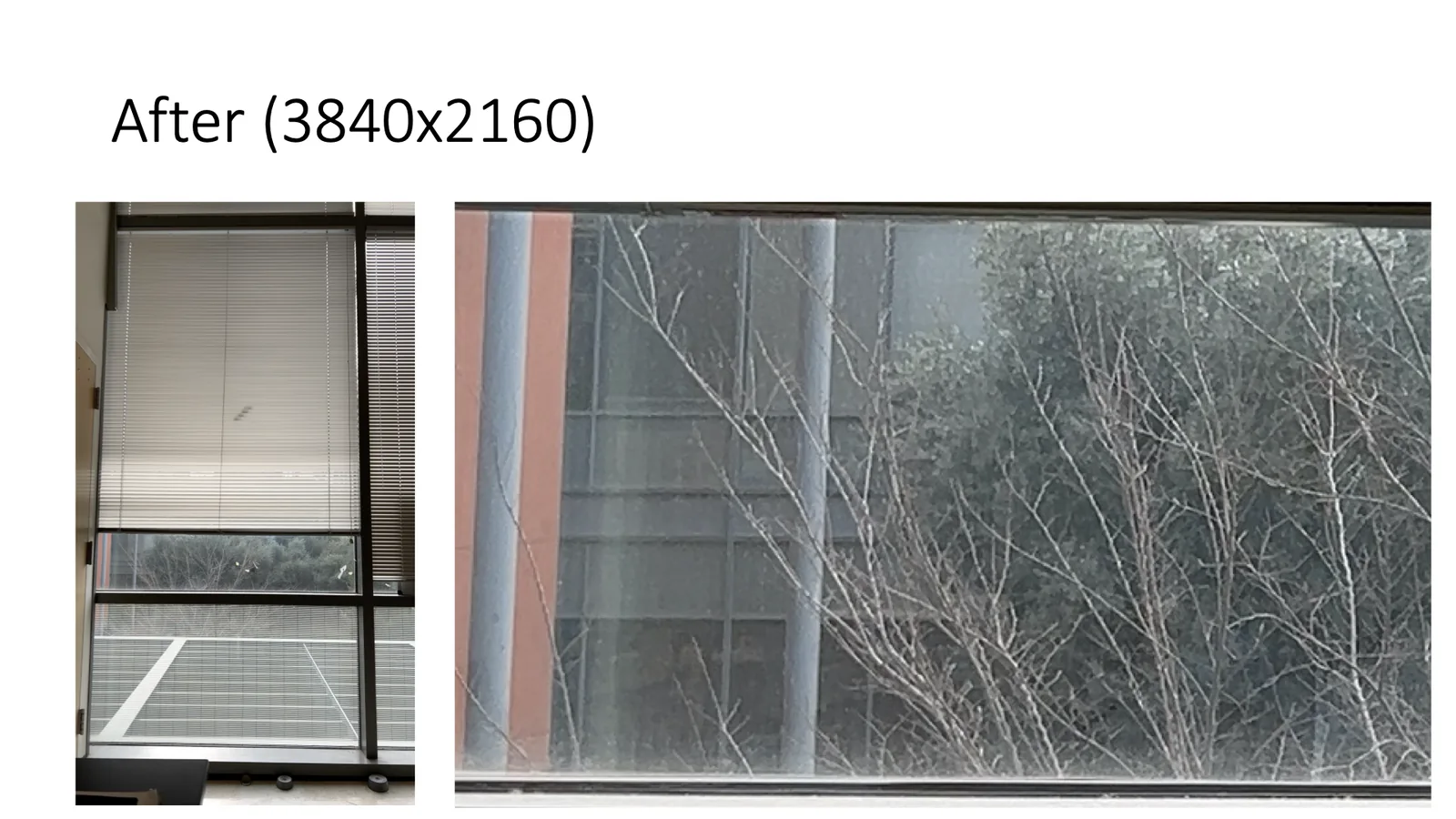
The 4K format is a trade: fewer frames per second, a narrower field of view, and larger files.
Motion blur
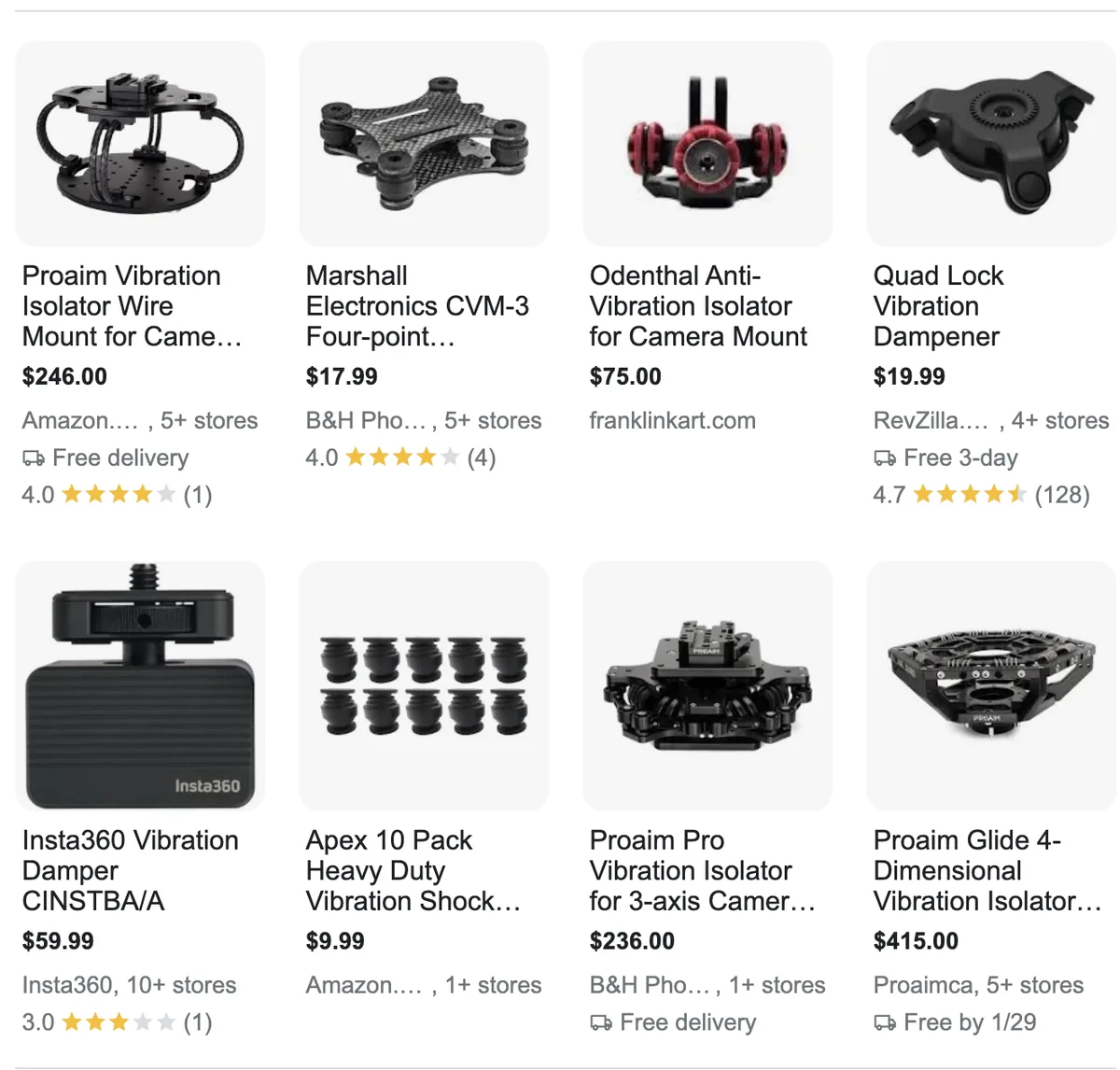
Even with focus and resolution fixed, a phone held by hand over a moving canopy produces motion blur. Flying the phone under a drone made it worse, because the airframe vibration went straight into the mount.
Leaving ARKit
The WWDC22 session on iOS camera capture showed that AVFoundation can deliver a high-resolution still and the depth data for that still without running an AR session.
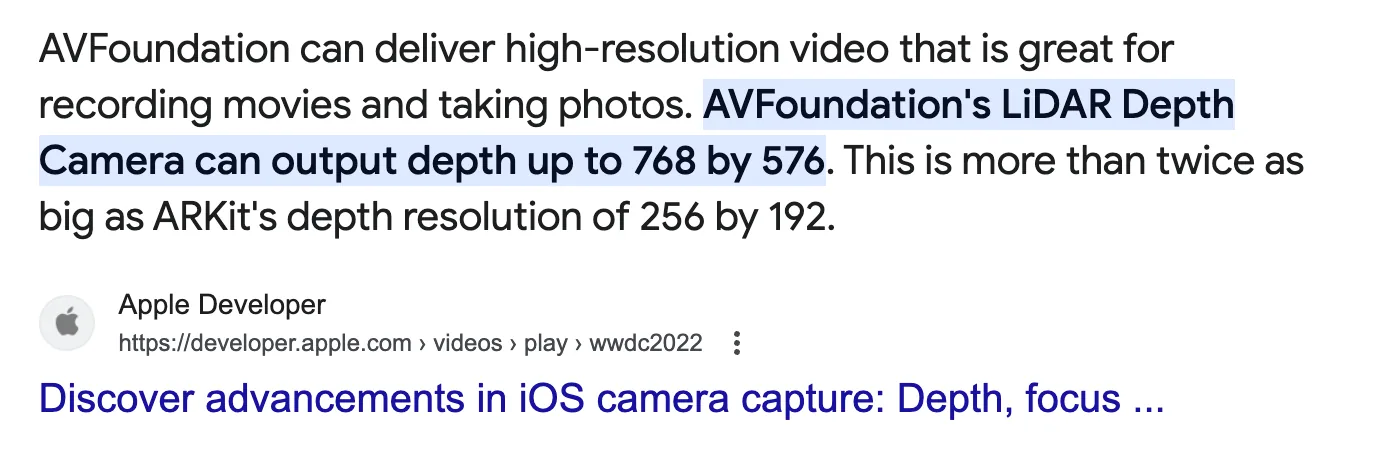
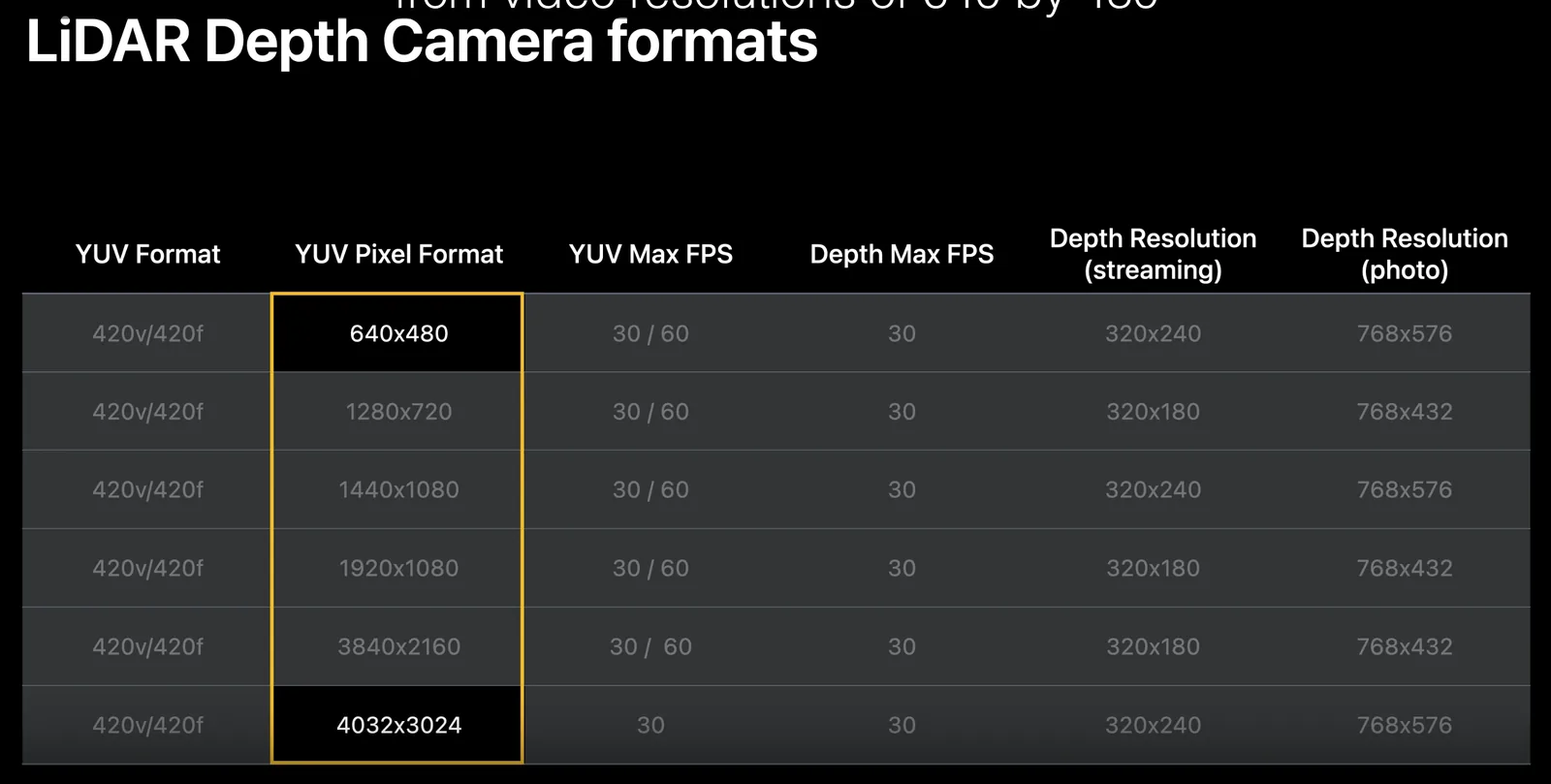
AVCapturePhoto.depthData.The core of the new capture path is a still-photo output with depth data enabled, plus a device configuration that turns autofocus back on:
let session = AVCaptureSession()
session.sessionPreset = .photo

guard let device = AVCaptureDevice.default(.builtInLiDARDepthCamera, for: .video, position: .back),
      let input = try? AVCaptureDeviceInput(device: device) else { return }
session.addInput(input)

let output = AVCapturePhotoOutput()
output.isDepthDataDeliveryEnabled = true
session.addOutput(output)
and, on the device:
try device.lockForConfiguration()
if device.isFocusModeSupported(.continuousAutoFocus) {
    device.focusMode = .continuousAutoFocus
}
if device.isWhiteBalanceModeSupported(.continuousAutoWhiteBalance) {
    device.whiteBalanceMode = .continuousAutoWhiteBalance
}
device.unlockForConfiguration()
The same plot, captured through each path:
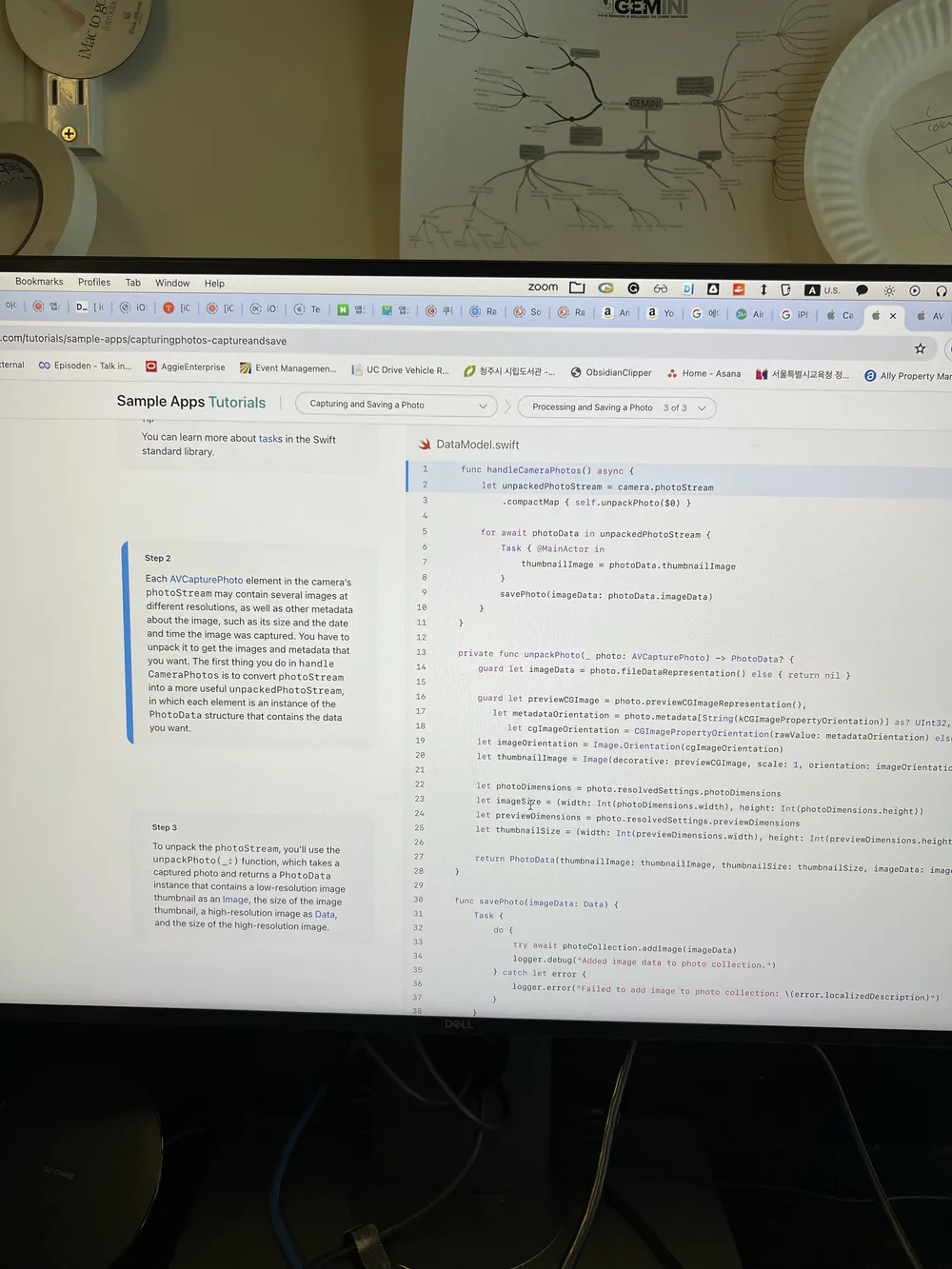
In the AVFoundation image the leaf texture is resolved, which the downstream segmentation needed.
Notes for next time
I would check a dependency’s release notes before writing my own guards around it, and treat a device disconnect as a normal state that resets every related flag. I would also test autofocus at the working distance before turning it off. For drone-mounted capture, the rubber dampers did more for sharpness than any camera setting.
References
- Apple Developer: Discover advancements in iOS camera capture: Depth, focus, and multitasking (WWDC22, session 110429)
- Apple Developer: Capturing and Saving a Photo (sample app)
- Apple Developer: Capturing Still and Live Photos
- Apple Developer: Capturing Photos with Depth
- Teledyne FLIR: FLIR Atlas Mobile SDK downloads and documentation (changelog for 2.1.0)
- Stack Overflow: How to improve camera quality in ARKit
- Medium, MLBoy: How many seconds does it take to switch between ARKit and AVFoundation?
- Medium, EmilY: Swift 예외처리 (throws, do-catch, try)