Fixing LiDAR–GPS Interference on a Drone with EMI Shielding
I ran into a GPS issue while integrating a TF Mini-S LiDAR into my drone: the GPS just couldn’t get a fix as long as the LiDAR was powered on. Below is a log of what happened and how I traced it down to EMI interference.
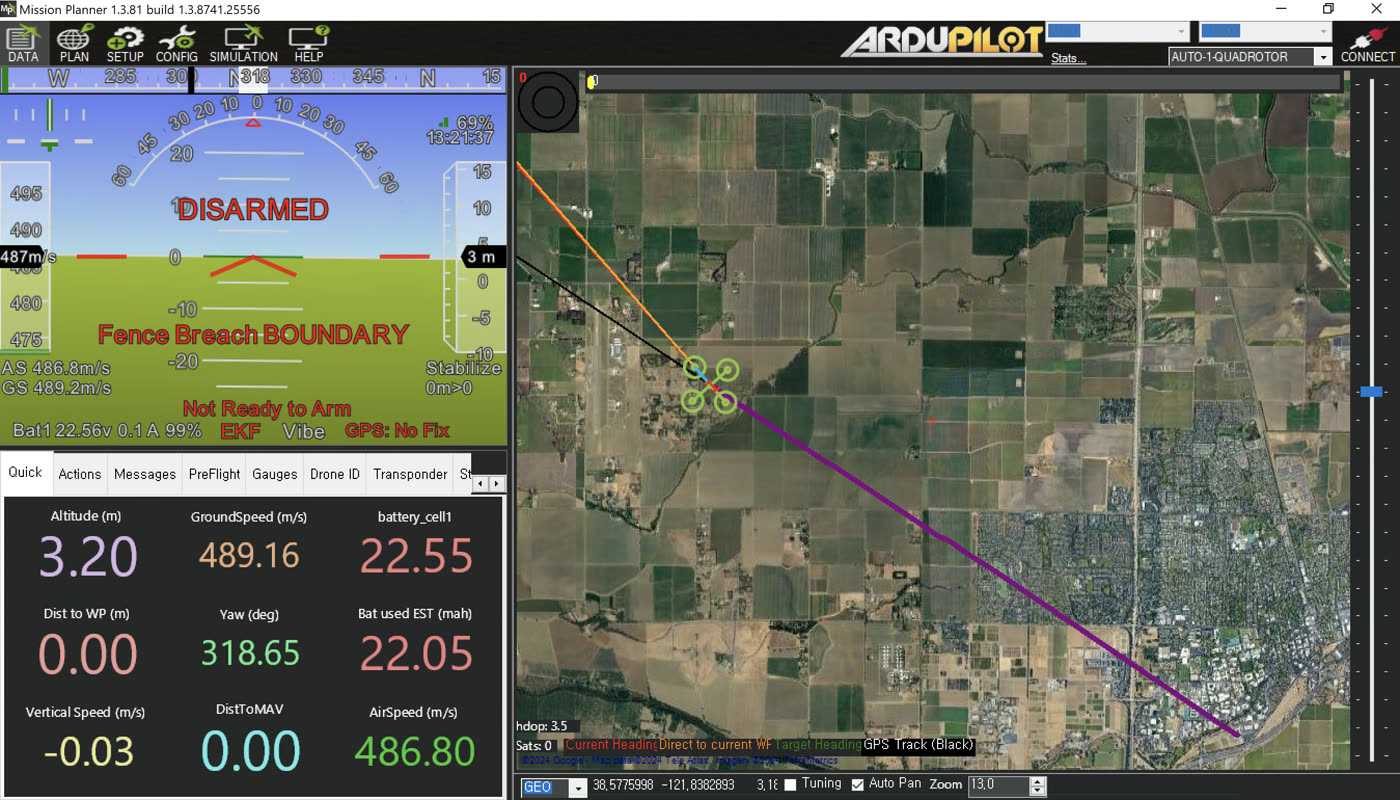
Symptoms
After mounting a Benewake TF Mini-S LiDAR and a u-blox M8N GPS on the same frame, the GPS couldn’t acquire satellites. I disconnected the LiDAR and the GPS came right back, so the LiDAR was definitely the culprit.
The TF Mini-S fires its laser at high frequency, and that switching noise leaks into the L1 GPS band (~1.575 GHz). It’s a known issue in the ArduPilot community. The symptoms can look like:
- GPS never gets a fix
- Satellite count keeps dropping
- Random GPS glitch errors mid-flight
Shielding Experiments
Test 1: Baseline with No LiDAR
GPS locked on quickly with no issues. Good baseline: the receiver itself is working fine.
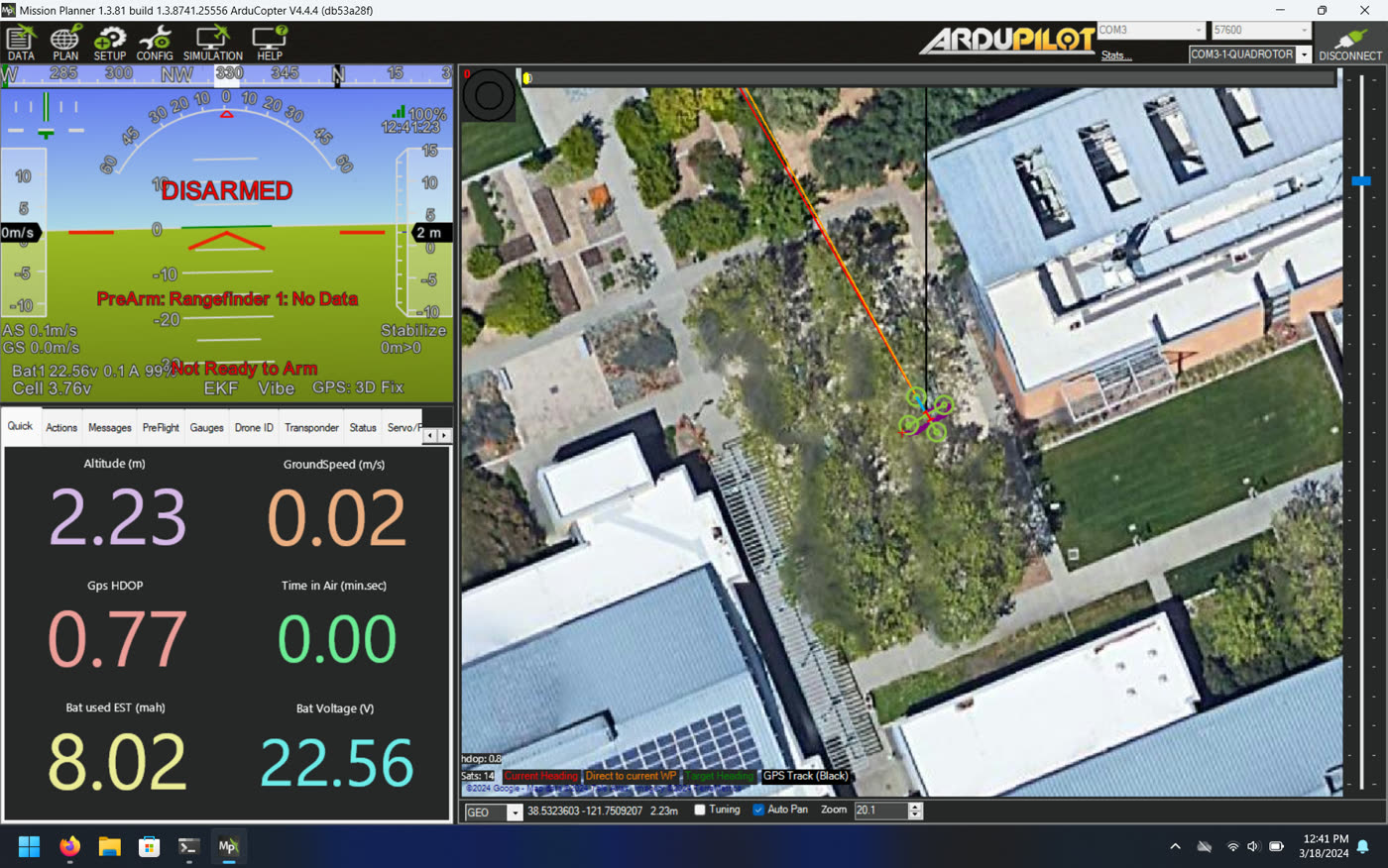
Test 2: LiDAR Near GPS, No Shield
With the unshielded LiDAR placed near the GPS, the GPS lock became unstable. The LiDAR is clearly the noise source, so shielding it is necessary.
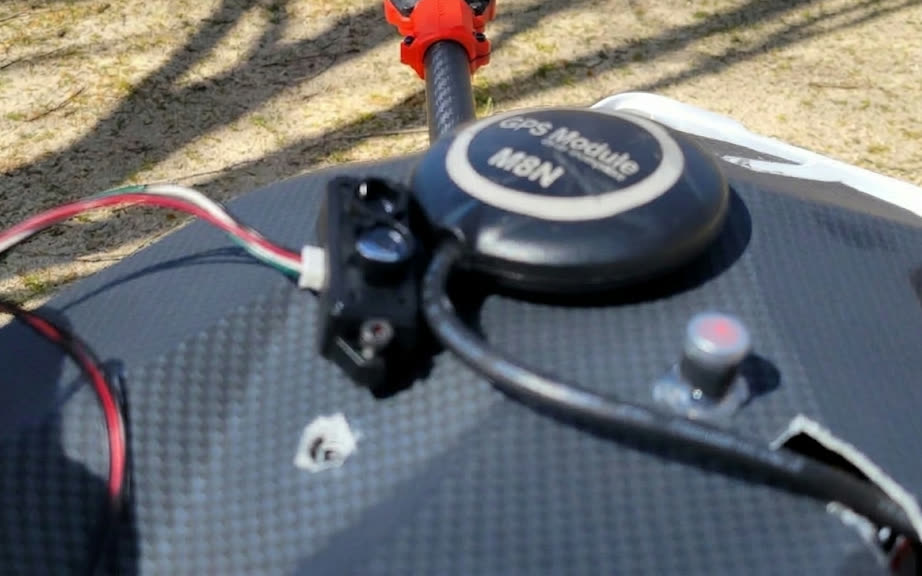
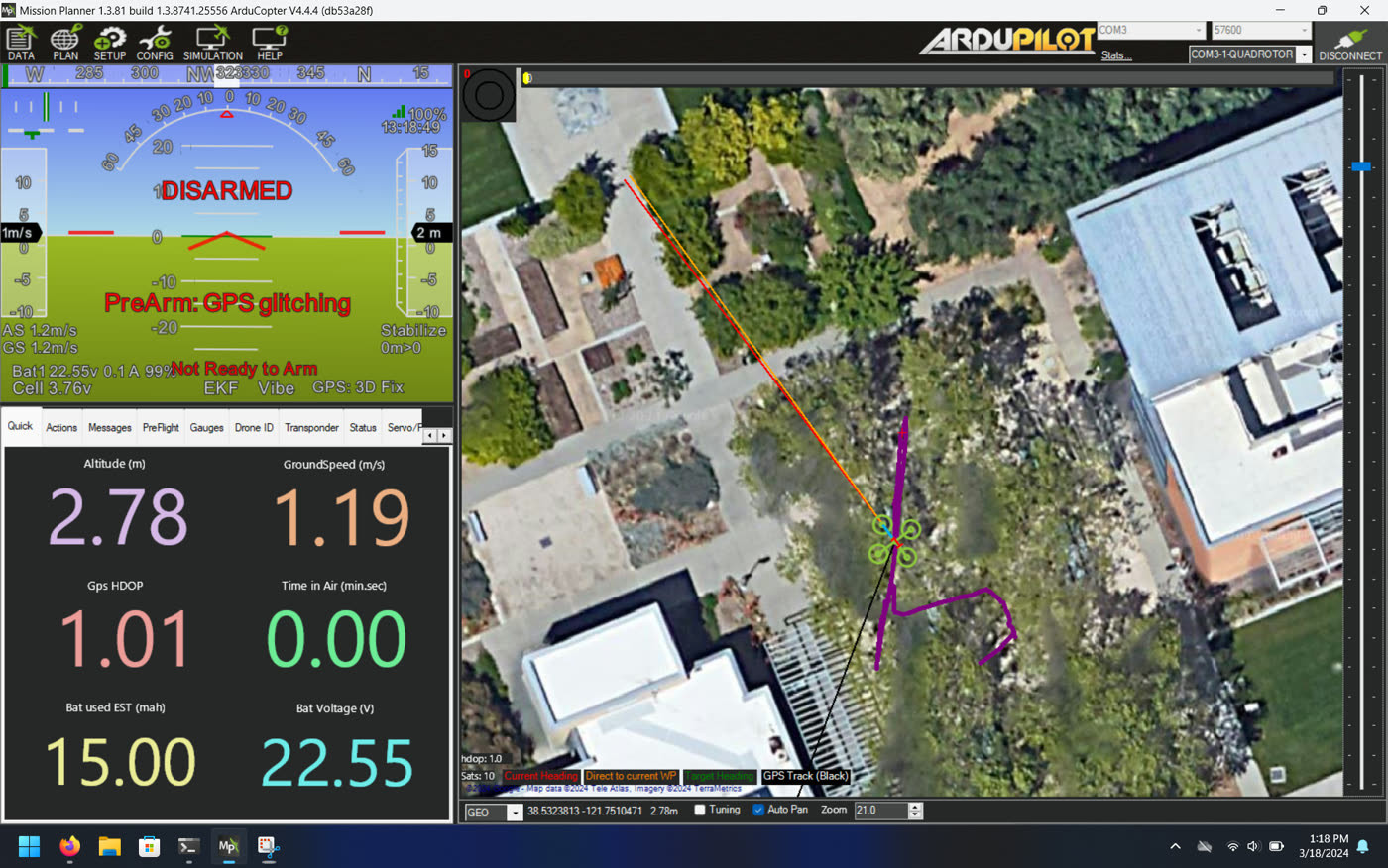
Test 3: Shielded LiDAR, GPS not shielded
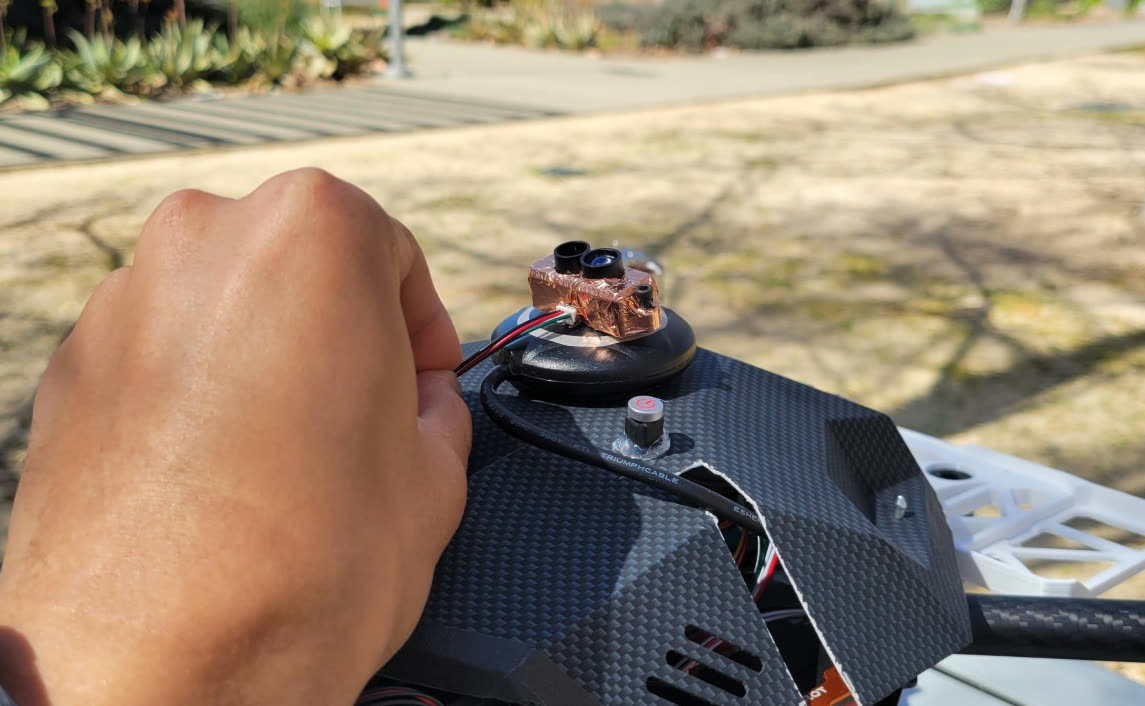
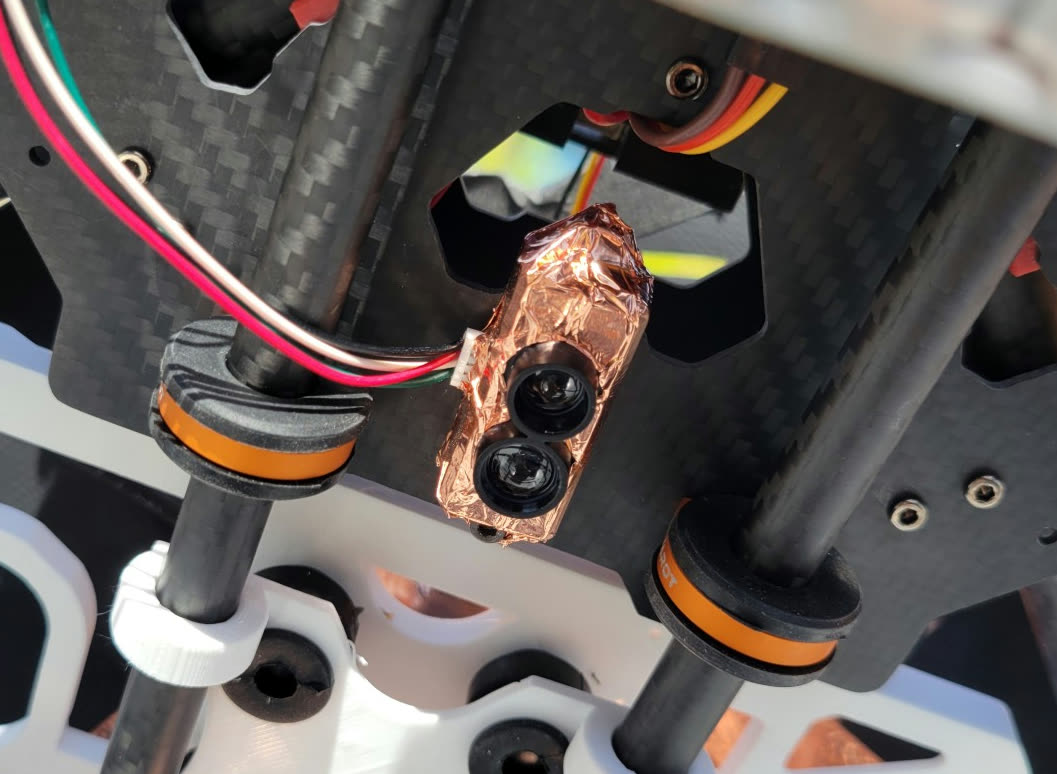
Wrapping the LiDAR in copper tape helped a lot, but it wasn’t enough on its own. When I put the shielded LiDAR right next to the GPS, it still caused problems.
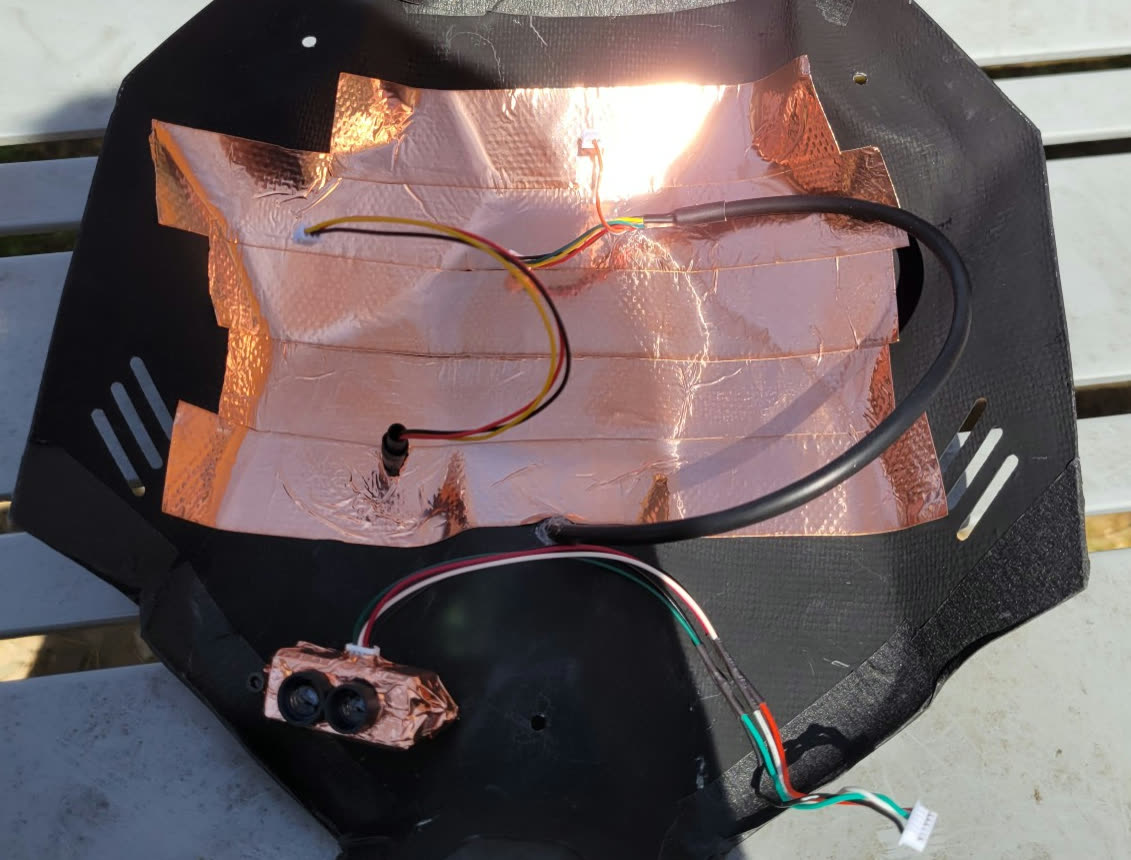
So the GPS also needs some shielding. The tricky part: if you shield the GPS, won’t it block satellite signals? The trick is to only cover the bottom and sides. A copper-clad plate mounted under the GPS canopy blocks noise coming up from the LiDAR while leaving the top of the antenna fully exposed to the sky.
Next question: What about the flight controller? It’s also sitting nearby. I tested this in Test 4.
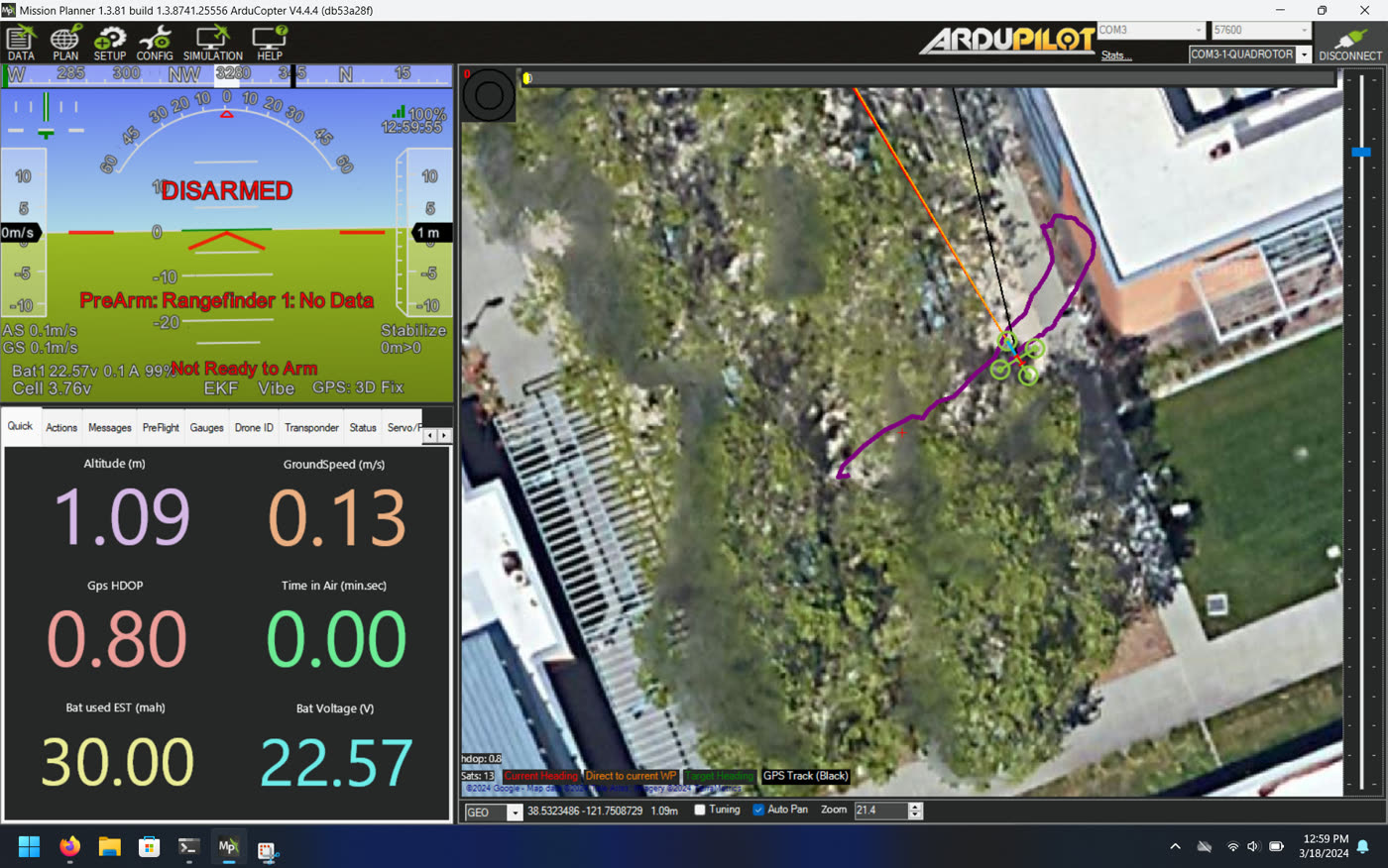
Test 4: Does the Shield Work Near the Flight Controller?
I moved the shielded LiDAR right next to the flight controller (FC) and toggled it on and off. No issues: GPS stayed stable and the FC behaved normally. The copper-tape shield seems to contain the noise well enough even at close range.
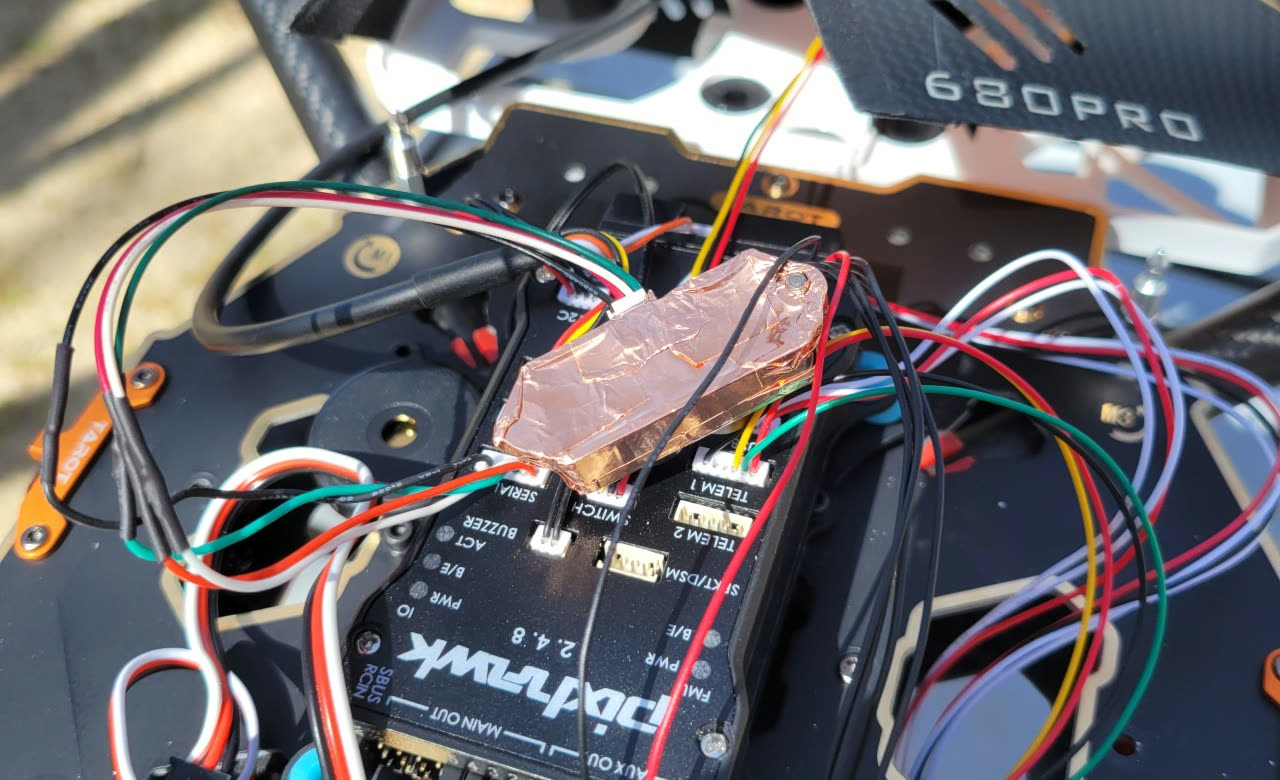
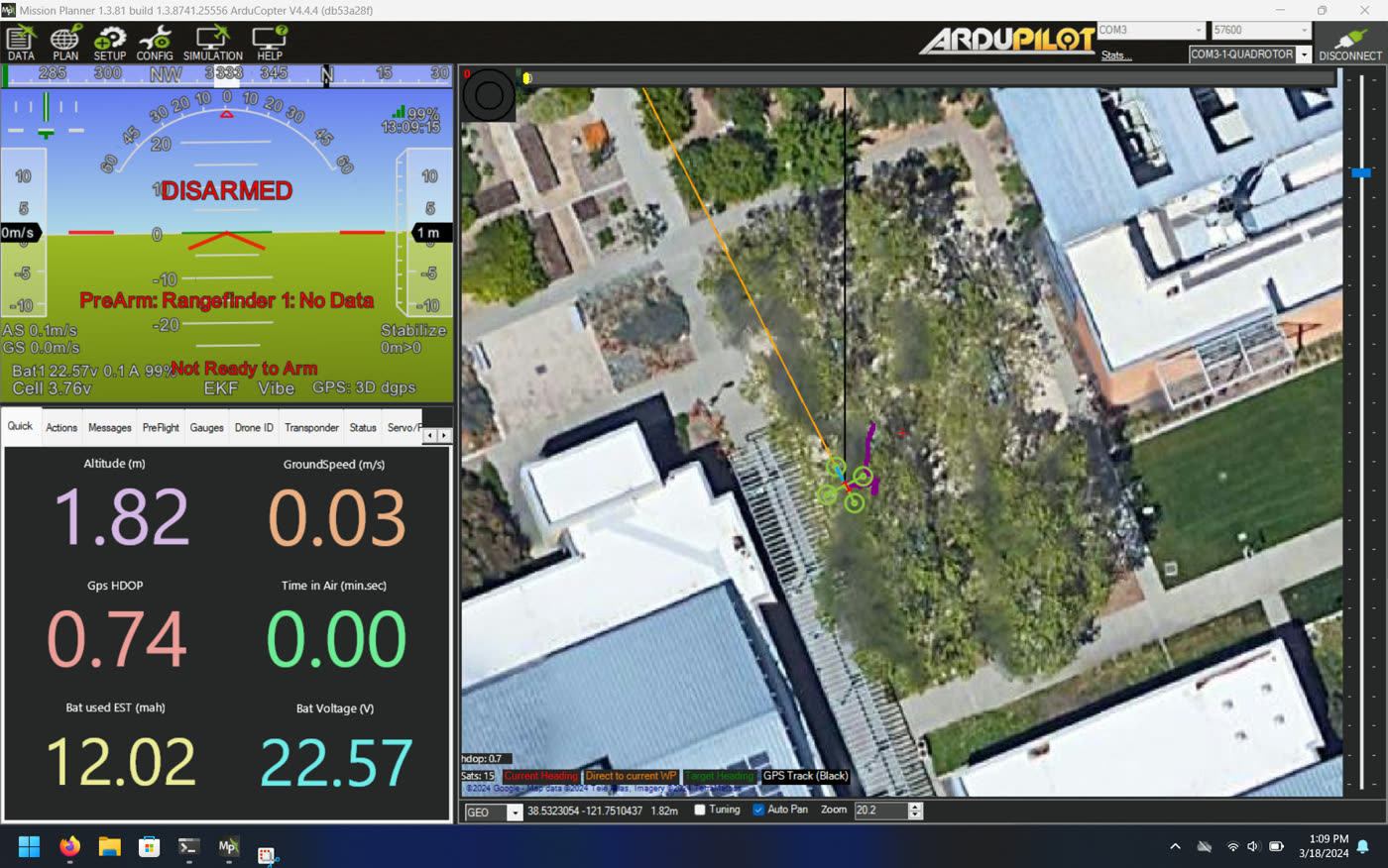
Test 5: Final Setup
LiDAR back in its original position, both shields in place. GPS was stable throughout.
Flight Test
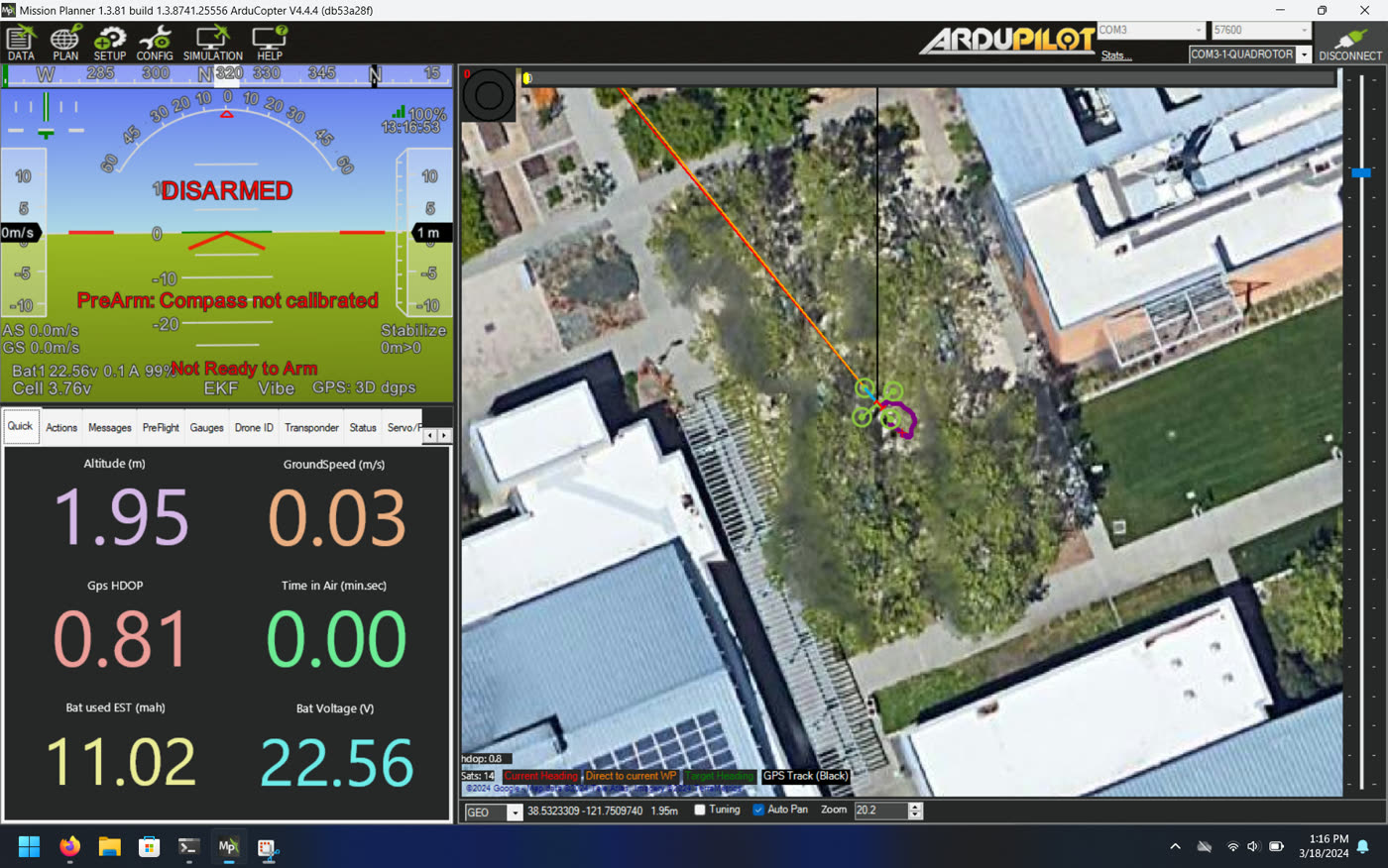
Took it out for an evening flight on March 18. GPS was solid the whole time and held a fix in both GUIDED and AUTO modes without any glitches.
What worked
| Configuration | GPS Stability |
|---|---|
| No LiDAR | ✅ Stable |
| Unshielded LiDAR, canopy unshielded | ❌ Unstable |
| Shielded LiDAR, canopy unshielded | ⚠️ Mostly stable (proximity-sensitive) |
| Shielded LiDAR + shielded canopy | ✅ Stable |
Wrap the LiDAR in copper tape (or single-sided PCB, copper side out) and add a copper-clad plate under the GPS canopy. Hot glue holds it all together. That’s it.
References
- 1. ArduPilot Discourse. Avoidance experiments with the new POC and Benewake TFmini-S.
- 2. ArduPilot Discourse. GPS issue when connecting to lidar on UART. Oct 2023.
- 3. ArduPilot Discourse. Does TFmini S lidar affect the magnetic field of the GPS in my hexacopter?
- 4. Google Groups, Drones Discuss. GPS is highly disturbed by Lidar lite, how to fix it?
- 5. ArduPilot Discourse. TF mini s lidar causes abnormal behavior in a hexacopter.